| Key points | Details to remember |
|---|---|
| ✨ Definition of the error | Code 0xc0000142 indicates an application startup failure on Windows |
| ⚙️ Common causes | Incompatibility, missing DLLs, corrupted files |
| 🔧 Quick solutions | Run as admin, update, reinstall |
| 📋 System prerequisites | Up-to-date DirectX, Visual C++ Redistributable, administrator rights |
| 🎯 Expected outcome | GTA V starts normally and remains stable |
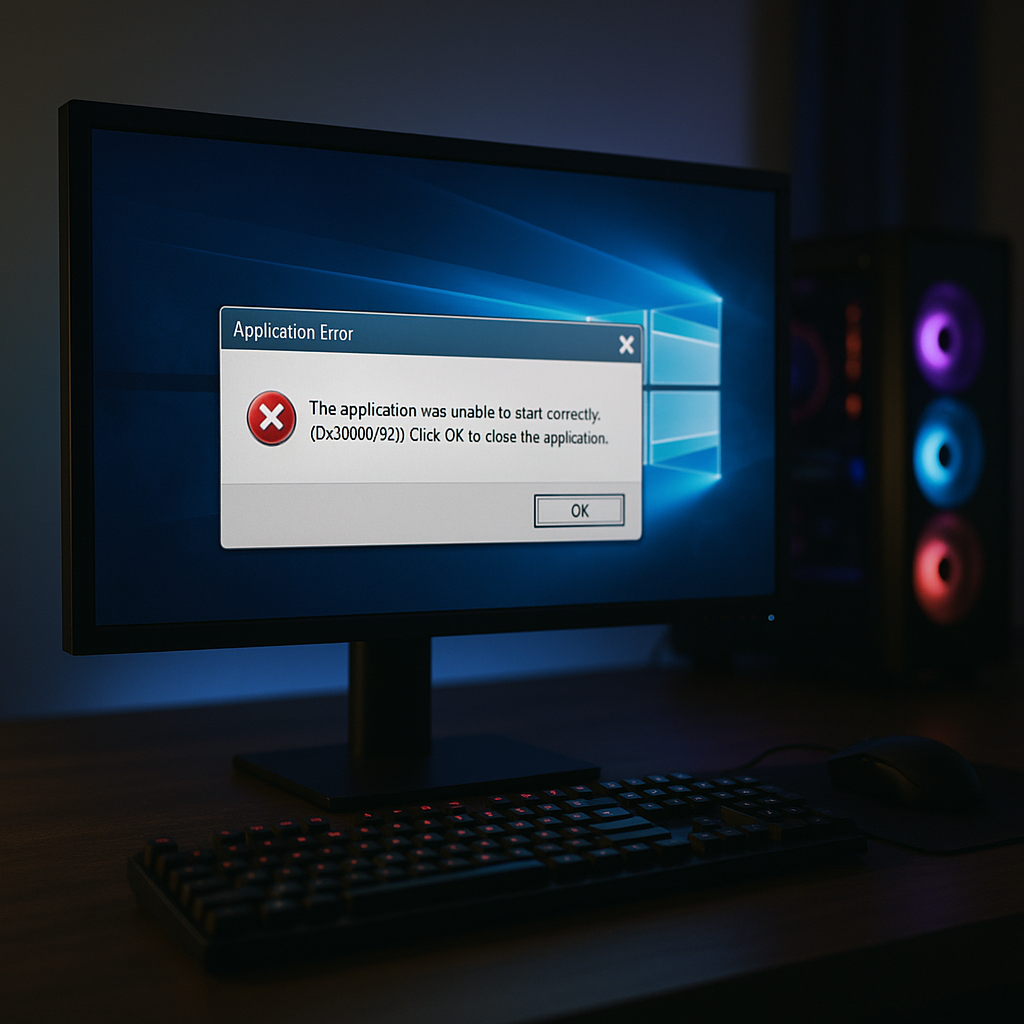
You are ready to dive into Los Santos, launch GTA V and… panic: error 0xc0000142 appears. Don’t panic, this Windows bug is common when certain system components or game files become unresponsive. Rather than searching for a miracle fix on a random forum, we will go through together the real reasons for this interruption and test proven fixes. In the end, your multiplayer or solo experience will become smooth again, promised.
What is error 0xc0000142?
Basically, this hexadecimal code signals an “Application Initialization” problem. On Windows, each executable (here the GTA V launcher) calls several DLL libraries: if one of them fails to load, the system gives up and returns 0xc0000142. It’s similar to a restaurant server closing the door because a kitchen staff member is missing: order taking stops.
Digging deeper, we often find that the issue is not only related to the game but to Windows itself or the Visual C++ and DirectX components. Sometimes, a misconfigured mod or an outdated graphics driver causes trouble. In short, understanding this error is already half the way to eradicating it.
Main causes of error 0xc0000142
1. Incompatibility of DirectX versions or GPU driver
Recent versions of GTA V require DirectX 11/12. If your PC runs on an old DirectX kit or an outdated graphics driver, the game may refuse to start. It’s like trying to play an UltraHD movie on a DVD player: it won’t work.
2. Corrupted or missing DLL files
Each DLL file is a piece of the puzzle. When one of these pieces is corrupted – due to a power outage, an overzealous antivirus, or a failed update – Windows triggers error 0xc0000142. The usual suspects: mfc110.dll, vcruntime140.dll, d3d11.dll.
3. Conflicts with mods or third-party software
GTA mods offer endless richness but sometimes introduce incompatible custom libraries. The same goes for certain overlays or GPU optimization programs. As soon as two applications fight over the same DLL, startup can crash.
Step-by-step solutions to fix error 0xc0000142
- Run as administrator
- Update DirectX and Visual C++ Redistributables
- Reinstall or repair GTA V
- Verify file integrity via Steam or Social Club
- Clean the registry (as a last resort)
Run GTA V as Administrator
For a quick test, right-click on GTA5.exe in the installation folder, then Properties → Compatibility → Run as administrator. This small adjustment can sometimes unlock the situation when Windows restricts access to certain DLLs.
Update DirectX
Go to the official Microsoft website and download the DirectX End-User Runtime Web Installer. Install it: you will replace or restore all the fundamental DirectX DLLs. This is often the first step that resolves 50% of issues related to the 0xc0000142 code.
Repair or Reinstall Visual C++ Redistributables
Open “Apps & features” in Windows, locate each “Microsoft Visual C++ 20XX x64/x86”, select “Modify → Repair”. For extra safety, download the latest versions from the Microsoft site and install them.
Verify the Integrity of Game Files
If you play on Steam or via Social Club, use the built-in verification tool. It will compare each installed file with its counterpart on the servers. Any discrepancy or corruption will be automatically corrected.
Reinstall GTA V as a Last Resort
When all other solutions have failed, back up your save files, completely uninstall GTA V, then reinstall it. This procedure ensures a clean folder, without leftover files inherited from previous versions.
Advanced Tips and Best Practices
Beyond immediate fixes, some habits can prevent you from returning to the same issue:
- Regularly update Windows: often, Microsoft releases cumulative patches that fix many system bugs.
- Check GPU drivers via NVIDIA GeForce Experience or AMD Radeon Software.
- Temporarily disable antivirus and overclocking: some protections consider GTA .exe files suspicious.
- Use a reliable registry cleaner to erase orphan entries (Ccleaner, Wise Registry Cleaner).
FAQ
- Why does the error only appear with GTA V?
- GTA V heavily uses DirectX and Visual C++ libraries; if one of these modules is corrupted, the launch fails. Other titles may tolerate these anomalies, GTA V less so.
- Is reinstalling Windows necessary?
- Rarely. Before considering a format, try all the solutions above. Reinstallation is only recommended if your system suffers from broader instability.
- Are mods really to blame?
- Yes: a poorly coded mod can overwrite a critical DLL. You can test by launching the game without any mods to isolate the problem.
{
“@context”: “https://schema.org”,
“@type”: “WebPage”,
“about”: {
“@type”: “Thing”,
“name”: “Erreur 0xc0000142 GTA V”
},
“keywords”: [“0xc0000142”, “GTA V”, “DirectX”, “Visual C++”, “Windows”]
}
{
“@context”: “https://schema.org”,
“@type”: “Article”,
“headline”: “Erreur 0xc0000142 lors du lancement de GTA V : solutions et astuces”,
“description”: “Un guide détaillé pour comprendre et corriger l’erreur 0xc0000142 lors du lancement de GTA V sous Windows, avec étapes pas à pas.”,
“keywords”: [“0xc0000142”, “GTA V”, “DirectX”, “Visual C++”, “bugs Windows”],
“mainEntity”: {
“@type”: “FAQPage”,
“mainEntity”: [
{
“@type”: “Question”,
“name”: “Pourquoi l’erreur apparaît-elle uniquement avec GTA V ?”,
“acceptedAnswer”: {
“@type”: “Answer”,
“text”: “GTA V utilise intensivement DirectX et des bibliothèques Visual C++; si l’un de ces modules est altéré, le lancement échoue. D’autres titres peuvent tolérer ces anomalies, GTA V moins.”
}
},
{
“@type”: “Question”,
“name”: “Est-ce que la réinstallation de Windows est nécessaire ?”,
“acceptedAnswer”: {
“@type”: “Answer”,
“text”: “Rarement. Avant d’envisager un format, testez toutes les solutions ci-dessus. La réinstallation n’est recommandée que si votre système souffre d’une instabilité plus large.”
}
},
{
“@type”: “Question”,
“name”: “Les mods sont-ils vraiment en cause ?”,
“acceptedAnswer”: {
“@type”: “Answer”,
“text”: “Oui : un mod mal codé peut écraser une DLL critique. Vous pouvez tester en lançant le jeu sans aucun mod pour isoler le problème.”
}
}
]
}
}









