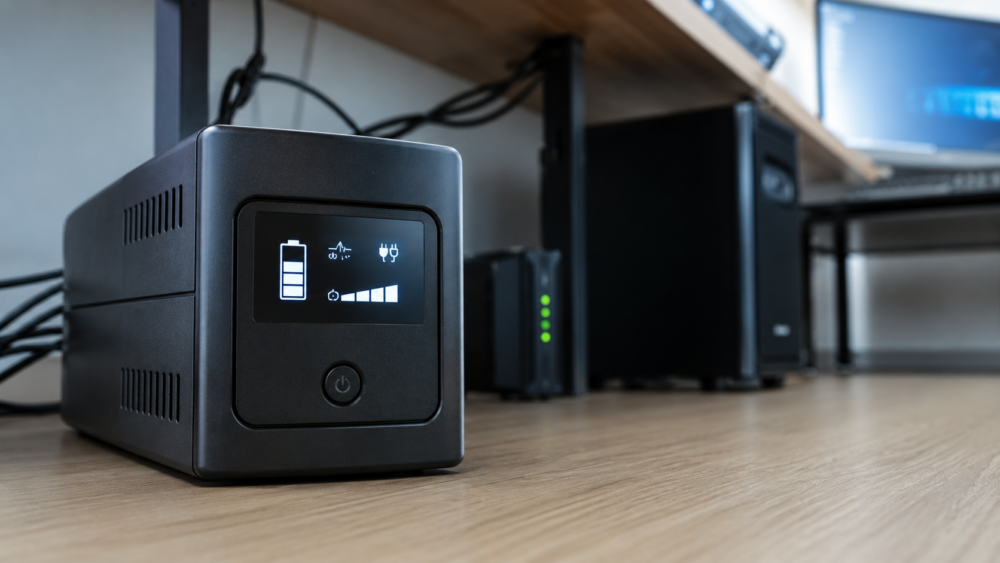
An uninterruptible power supply (UPS) keeps your devices powered for a few minutes during a blackout, limits the effects of electrical fluctuations, and prevents abrupt shutdowns that can damage files, disks, NAS, or network equipment. The right choice mainly depends on the actual power in watts, the expected autonomy, the type of connected equipment, and the desired level of protection. For home or office use, a line-interactive model with AVR already covers most needs; for a critical server, an online double conversion solution remains more suitable.
Quick verdict before buying
For most individuals, teleworkers, and small businesses, the best compromise is a line-interactive UPS of 900 to 1500 VA, with automatic voltage regulation, replaceable battery, and USB port for proper shutdown. To compare models according to power, size, and intended use, you can see the Grosbill offer without limiting yourself to the VA rating alone. Practical note: 8.5/10. This size suits a desktop PC, a monitor, a fiber box, a two-bay NAS, or a connected cash register.
An undersized UPS will cut off quickly or go into overload. An oversized model will cost more without necessarily providing useful autonomy. The right approach: add up the actual consumption of your devices, then keep 15 to 25% margin to absorb peaks, battery aging, and adding a peripheral.
- Home: 900 to 1200 VA, line-interactive, French or IEC sockets.
- Telework: 1200 to 1500 VA with USB and LCD screen.
- NAS: USB port compatible with automatic shutdown.
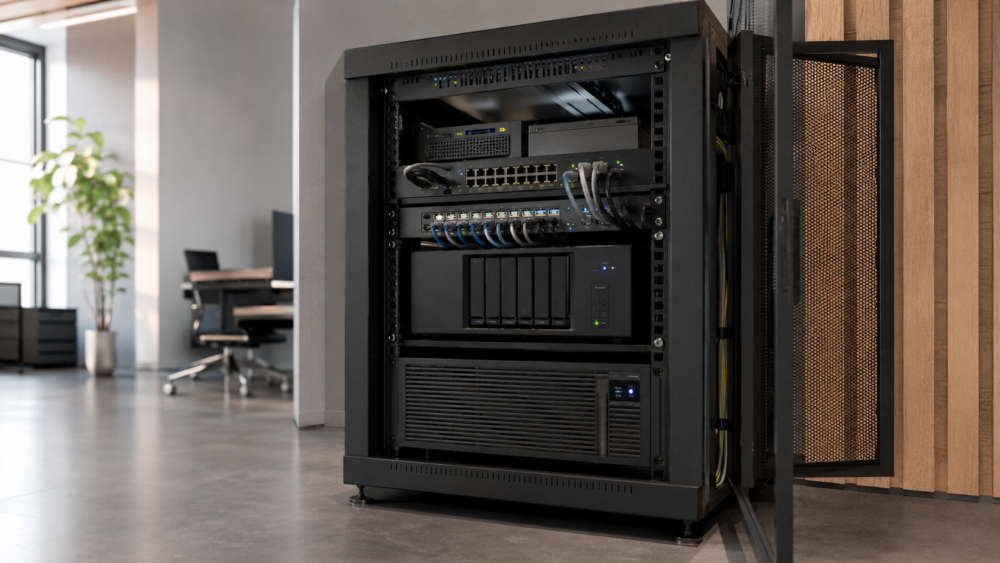
- Server: online double conversion, ideally rack-mountable.
Understanding VA, watts, and autonomy
A UPS datasheet often shows two values: VA and watts. VA indicates apparent power; watts correspond to the actual power available for your devices. A 1500 VA model can provide 900 W, 1000 W, or less depending on its power factor. To avoid mistakes, think in watts first.
Note the consumption of each device on its technical sheet, its power supply, or with a wattmeter plug. Add the values, add a margin, then check that the UPS can support this load continuously. A gaming PC with a monitor can exceed 500 to 700 W under load; an Internet box and a router often stay under 50 W.
| Usage | Typical load | Recommended UPS | Realistic autonomy |
|---|---|---|---|
| Box + router | 20 to 50 W | 500 to 700 VA | 30 to 90 min |
| Office PC | 150 to 300 W | 700 to 1000 VA | 8 to 20 min |
| Powerful PC | 400 to 700 W | 1200 to 1600 VA | 5 to 15 min |
| NAS + network | 60 to 150 W | 700 to 1200 VA | 15 to 45 min |
Autonomy drops sharply as the load increases. A UPS able to last 40 minutes with a box may only last 6 minutes with a powerful PC tower. The battery mainly serves to save, finish a task, and shut down properly, not to work long without electricity.
Choosing the right UPS technology
Three families dominate the market: offline, line-interactive, and online double conversion. The offline switches to battery when the power disappears or goes out of an acceptable range. It suits simple uses but its regulation remains limited. The line-interactive often adds an AVR, useful in case of moderate voltage drops or rises.
The double-conversion online UPS continuously recreates a clean power supply. It is the most protective choice for servers, telecoms, professional storage, or sensitive infrastructures. In return, it costs more, consumes more, and ventilates more often. For a living room or a quiet office, it is not always necessary.
| Technology | Protection | Recommended use | Limit |
|---|---|---|---|
| Offline | Basic | Box, small workstation | Low regulation |
| Line-interactive | Balanced | PC, NAS, teleworking | Less suited for critical use |
| Online | High | Server, rack, professional | Price and noise |
The output signal also matters. A simulated sine wave is sufficient for a box, a router, or a small workstation. A pure sine wave is preferable for a recent PC, an active PFC power supply, an expensive NAS, or sensitive audio/video equipment.
Decisive criteria according to your use
The number of outlets is not enough. Check how many are actually battery-backed and how many only protect against surges. Reserve the battery outlets for the PC, NAS, box, and switch. Leave laser printers, heaters, vacuum cleaners, or coffee makers off the UPS: these devices create too high current surges.
The USB or network port is essential for a NAS or server. In case of a prolonged outage, the UPS can transmit the alert to the equipment, which then initiates a proper shutdown before the battery runs out. Without this function, you gain time, but you do not completely eliminate the risk of a sudden shutdown.
- AVR: stabilizes voltage without using the battery.
- Pure sine wave: better compatibility with modern power supplies.
- Accessible battery: easier replacement after a few years.
- USB port: automatic shutdown of NAS or PC.
- LCD screen: quick reading of load, autonomy, and battery status.
Prices and offers by category
The price depends on power, technology, output signal, battery, and format. In 2025, a small model for a box or router often starts around 60 to 100 €. A good line-interactive for PC and teleworking is rather between 120 and 250 €. Online, rackable, or professional models can exceed 400 €.
| Budget | Profile | To target | To avoid |
|---|---|---|---|
| 60 to 100 € | Box, router | 500 to 700 VA | Powerful PC |
| 100 to 180 € | Office PC | 700 to 1200 VA with AVR | Non-replaceable battery |
| 180 to 300 € | High-performance PC, NAS | 1200 to 1600 VA, USB | Too low watts |
| 300 € and more | Server, rack | Online or rackable | Unchecked noise |
On a product sheet, always check watt power, autonomy at half load, wave type, and battery warranty. Customer reviews can help, but they often compare very different uses: a fiber box consumes little, a workstation much more.
Installation and maintenance without risk
Install the UPS in a ventilated, stable, dry, and accessible place. The battery does not tolerate heat well. Avoid closed cabinets, stacked power strips, and forbidden loads such as laser printers, heaters, vacuum cleaners, or coffee makers. A domestic UPS is not a universal extension cord.
After unpacking, let the battery charge fully. Plug only priority devices into the battery-backed outlets, then perform a short test: cut the mains power for a few seconds and check that everything stays on. For a NAS, enable USB communication and schedule an automatic shutdown.
- Monthly test: check alarm, battery switch, and software status.
- Dusting: keep the grills clear to limit heat.
- Battery: frequent replacement after three to five years.
- Labeling: distinguish battery-backed outlets from surge-only outlets.
Common mistakes to avoid
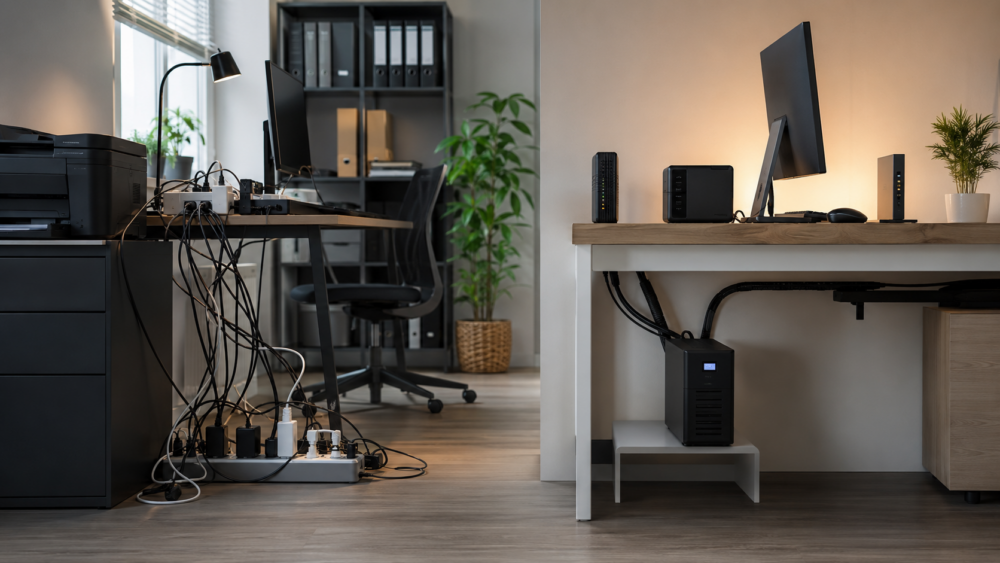
The first mistake is plugging in too many devices. The role of a UPS is to protect the essentials: PC, main monitor, box, NAS, and possibly a switch. The printer, speakers, decorative lighting, or second monitor can remain on a separate protection.
The second mistake is to look only at the VA rating. Two 1500 VA models are not equal if one provides 900 W and the other 1000 W with a pure sine wave. For a workstation, this difference can mean the difference between a clean shutdown and an immediate overload.
The third mistake is to forget the battery. After a few years, autonomy sometimes decreases without visible symptoms. A battery indicator, an alarm, or a software message should be taken seriously. Replacing the battery on time often costs less than a complete UPS.
FAQ on choosing a UPS
What UPS power should I choose?
Add up the watt consumption of the devices to protect, then add 15 to 25% margin. For an office PC, 700 to 1000 VA is often sufficient. For a powerful PC or a NAS with network, aim for 1200 to 1600 VA.
How long does a UPS last?
It all depends on the load. A box can last several tens of minutes; a powerful PC can drop to 5 or 10 minutes. The main goal is to save and shut down properly.
Is a pure sine wave necessary?
Yes, for a recent high-end PC, an active PFC power supply, an expensive NAS, or sensitive equipment. For a box or router, a simulated sine wave is often sufficient.
Does a UPS protect against lightning?
It can limit some surges but does not replace a proper electrical installation, effective grounding, or surge protection at the panel.
Can I plug a power strip into a UPS?
It is not recommended if it causes you to exceed the maximum load. Never plug in high-power devices like heaters, laser printers, or household appliances.
Which UPS for an Internet box?
A compact model of 500 to 700 VA is often enough for a box, router, and small switch. Check for silence, size, and number of outlets.
Which UPS for a NAS?
Choose a line-interactive with a USB port recognized by your NAS. The key criterion is a clean automatic shutdown. A power of 700 to 1200 VA covers many home setups.
When to replace the battery?
Many sealed lead batteries last about three to five years. Replace it as soon as autonomy drops, a light turns on, or software signals degradation.
Final recommendation
For a box and router, choose a compact model of 500 to 700 VA. For teleworking, aim for a line-interactive of 900 to 1200 VA with AVR and USB. For a powerful PC, a NAS, or a creative workstation, go up to 1500 VA, ideally with pure sine wave. For a server or rack, opt for a double-conversion online UPS sized with margin.
The method remains simple: list the devices to protect, note their consumption, choose the useful autonomy, then compare the watts, the waveform type, and the replaceable battery. A well-chosen UPS does not promise to work indefinitely without power; it mainly provides the time to avoid data loss, abrupt shutdowns, and costly restarts.









