You are playing The Presentation Experience on Roblox and wondering how to get more gems to unlock actions, sounds, and exclusive perks? This comprehensive guide presents all the current methods, tips, and codes to quickly accumulate gems without cheating.
In short:
– Gems are essential to trigger fun actions during presentations.
– You can get them by playing, using codes, or through purchases.
– Tips allow you to earn them without Robux.
– The experience is even richer with the right in-game reflexes!
🎯 What are gems used for in The Presentation?
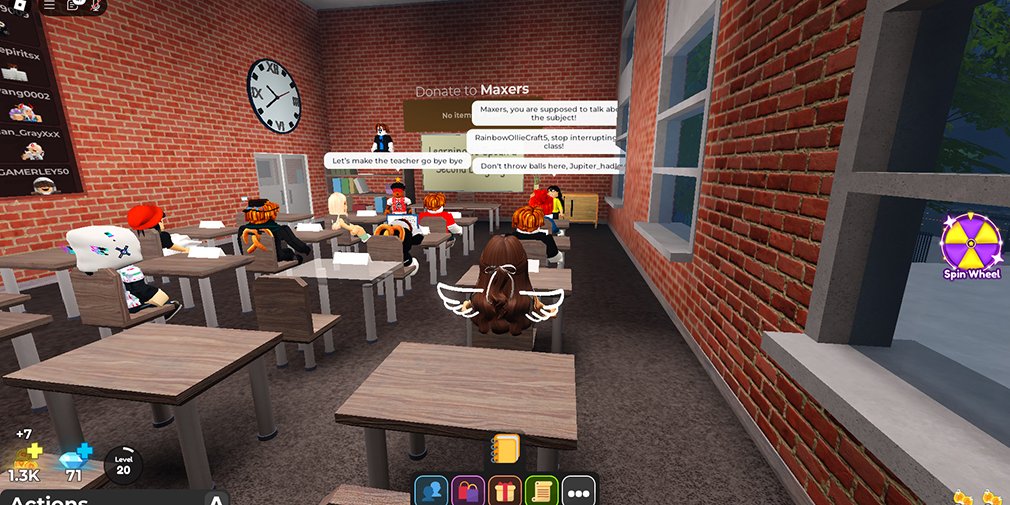
In The Presentation Experience, each player embodies a student or a teacher in a virtual classroom. The goal: to give a presentation (or disrupt others’) in a burlesque and interactive environment. The gems are used to buy actions such as:
- Making a fart sound during a presentation
- Triggering a fire alarm
- Shouting in the room or sneezing loudly
- Buying custom sounds and special effects
The more gems you have, the more you can make the session chaotic… or epic!
🎮 Methods to earn gems for free
Here are the most effective ways to earn gems without spending Robux:
1. 🔄 Actively playing in class
The game rewards participation. Every minute spent in a session earns gems, especially if you:
- Interact with others (emotes, shouts, applause)
- Speak during a presentation
- Stay connected for more than 5 minutes
2. 🎁 Using gift codes (promo codes)
Developers regularly release temporary codes to give free gems. Here are some recent examples:
BOOKWORM– 80 gemsNEWUPDATE2025– 150 gemsCHAOSMODE– 50 gems
⚠️ These codes change often. To use them, click on the “Code” icon in the game interface.
3. 🕹️ Presenting in front of the class
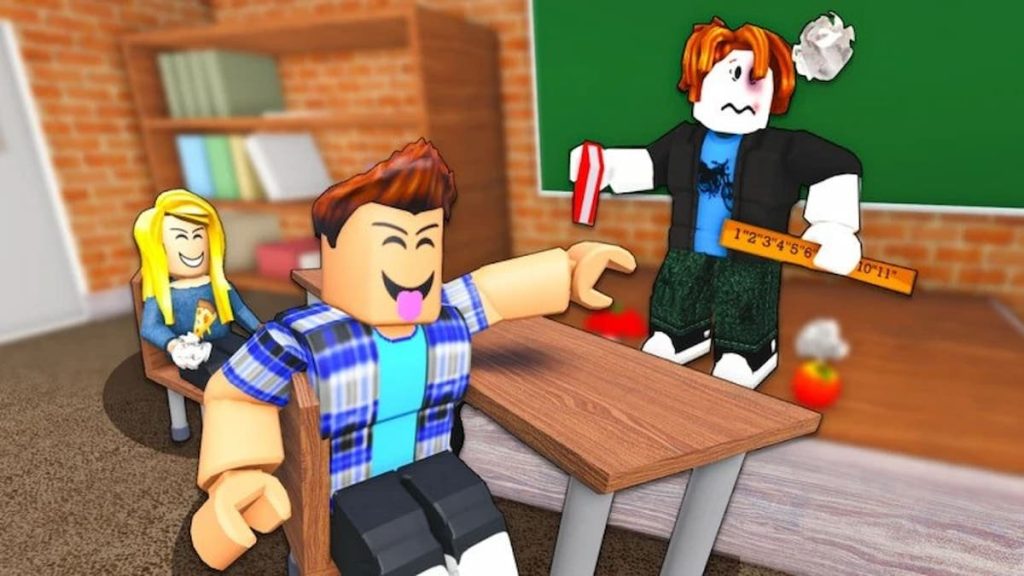
Giving a presentation earns more gems than being a spectator. Every time you speak (even awkwardly) you get extra points, especially if:
- You speak for longer
- You use accessories (music, shouts, emojis)
- You interact with the teacher
4. 📈 Playing in groups (public servers)
Large classes yield more: the more disruptions there are, the more dynamic the environment is, and the higher the rewards climb.
💸 Can you buy gems with Robux?
Yes. In the game menu, you can buy gem packs with Robux. Here is an overview of the prices:
| Amount | Price in Robux |
|---|---|
| 100 gems | 15 Robux |
| 500 gems | 60 Robux |
| 1500 gems | 170 Robux |
It’s optional but can be useful if you want to quickly access special effects.
🎯 Tips to maximize your earnings
- Stay active (do not disconnect by going idle)
- Use codes as soon as they come out (follow the game’s Twitter account)
- Do as many presentations as possible
- Join highly populated public servers
📱 Is there a gem system on mobile?
Yes, gems work the same way as on PC. Just open the game via the Roblox app, the interfaces are identical. Some buttons are smaller, but the earnings are the same.
🔐 Are there cheats or hacks to get gems?
No, and you should not look for any. Any attempt to use a script or exploit to obtain gems is against Roblox rules and can lead to a permanent ban. Stick to official methods.
Conclusion
The Presentation Experience is one of the funniest games on Roblox. Earning gems doesn’t necessarily require money, but a bit of strategy and involvement. Present, disrupt (gently), and have fun!
FAQ
How do you enter a gem code in The Presentation?
Click on the “Code” icon on the right side of the screen in the game, enter the code, validate.
What is the best free way to earn gems?
Give presentations and stay active in highly populated public servers.
Can you share gems with friends?
No, the game does not allow transferring gems between accounts.
Do gems expire?
No, they remain on your account as long as you don’t spend them.
Are gem codes valid for a long time?
No, some last only a few days. Check the game’s official social networks.









