| Key Points | Details to Remember |
|---|---|
| 🤖 Definition | Automation relies on algorithms to process your messages. |
| 🚦 Prioritization | Filter and sort emails according to your context. |
| ✍️ Drafting | Generate template responses and personalize your interactions. |
| 📊 Summarization | Summarize long discussion threads into a few key points. |
| 🔧 Tools | Integrate platforms like Superhuman, SaneBox, or Mailbutler. |
| ⚙️ Workflow | Configure rules and workflows to optimize your routines. |
The inbox is overflowing, notifications never stop, and every email becomes a time-consuming puzzle. Yet, advances in artificial intelligence pave the way for smoother and automated management of your messages. No more manual sorting; instead, intelligent assistants can prioritize, draft, and summarize your exchanges in the blink of an eye. Between productivity gains, stress reduction, and personalization, let’s explore how AI can completely transform the way you handle emails.
Why automate email management?
Messaging is often seen as a simple communication tool, but in reality, it structures a large part of our day. Every day, we spend an average of 2 hours checking, sorting, and responding, according to a McKinsey study. In the era of hyperconnectivity, this load can quickly become overwhelming.
By delegating certain repetitive tasks to AI, we regain control: no more frantic inbox scanning, we focus on high-value exchanges. It’s a bit like having a personal assistant, silent and available 24/7, who takes care of clearing spam, extracting the essentials, and preparing the ground even before your first cup of coffee.
Concrete use cases of AI for your emails
Automatic sorting and prioritization
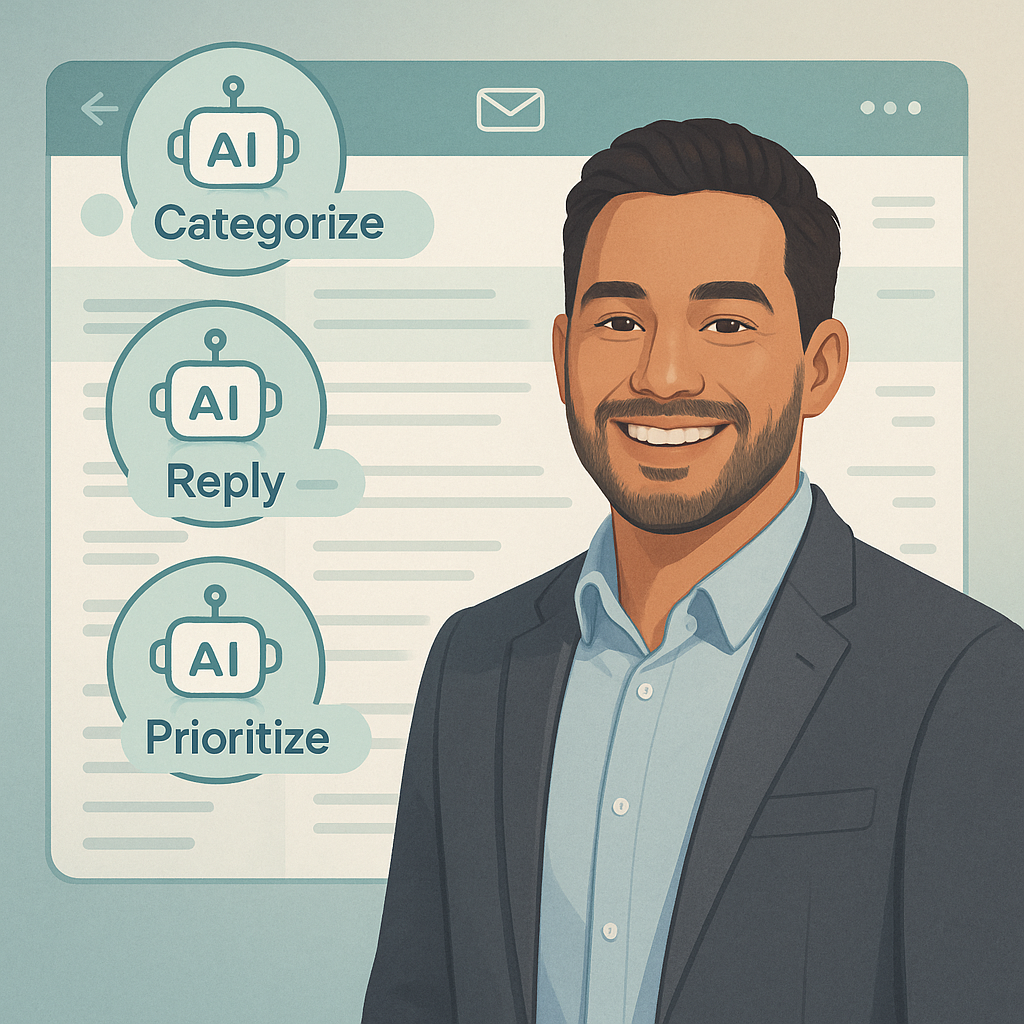
Imagine an intelligent filter capable of instantly distinguishing urgent messages from weekly newsletters. AI analyzes the sender, content, and your response history to assign priorities. Result? Your inbox is structured, and you never miss a critical message.
Assisted drafting and template responses
Rather than typing two generic lines, artificial intelligence can propose a draft adapted to your interlocutor’s tone. If you handle similar requests, it suggests standardized responses that can be personalized with one click. This saves precious minutes while maintaining a human touch.
Thread summarization
Long conversations, with their back-and-forths, can become unreadable. With a simple prompt, AI provides you with a summary of key points and actions to take. You get the essentials in a few lines rather than ten minutes of reading.
Anomaly Detection and Security
Jokes aside, AI is not just for saving time: it also enhances your security. Algorithms detect phishing attempts, flag suspicious attachments, and warn as soon as a link appears malicious. In other words, they act as a digital guardian.
Tools and Platforms to Adopt
On the market, several players stand out. Like Superhuman, which focuses on execution speed and intuitive keyboard shortcuts, or SaneBox, specialized in automatic sorting and reminders. For teams, Front or Hiver directly integrate collaborative features.
- Gmail Smart Compose: real-time phrase suggestions.
- Outlook + Cortana: advanced filtering and note-taking.
- SaneBox: prioritization, reminders, and hidden folders.
- Mailbutler: message templates and open tracking.
- Superhuman: ultra-light interface and productivity statistics.
Steps to Deploy Automation
Installing a tool is good, but integrating it into your workflow is even more crucial. Here is a five-step plan to succeed in your transition:
- Audit: measure your current processing time and identify bottlenecks.
- Choice of solutions: select one or two complementary tools rather than a slew of software.
- Configuration: create filtering rules, set up response templates, and test.
- Training: involve your team, share best practices and internal use cases.
- Follow-up: regularly adjust filters and evaluate the impact on your productivity.
Best Practices and Points of Caution
In theory, everything could be automated. In practice, preserving a human touch remains essential. A few tips:
- Do not delegate all your responses: keep control over sensitive exchanges.
- Always proofread generated drafts: AI is not infallible.
- Check GDPR compliance: data must be hosted in accordance with legislation.
- Limit redundancy: too many rules can become counterproductive.
“AI is only effective if you take the time to train and adjust it.”
FAQ
How does AI sort my emails?
By analyzing the sender, interaction frequency, and semantic content, algorithms assign a priority score and automatically move messages into dedicated folders.
Are my data protected?
Most tools comply with GDPR and offer encryption in transit and at rest. Stay vigilant about server locations and privacy policies.
Can I customize automatic replies?
Absolutely. You create templates and adjust the tone, signature, or dynamic fields so that each reply keeps your personal touch.









