| Key Points | Details to Remember |
|---|---|
| 🔐 Definition | A password is a digital access key protecting your accounts. |
| 🛠️ How it works | Character combinations increase the difficulty of attacks. |
| 🔠 Complexity | Mix uppercase letters, lowercase letters, numbers, and symbols. |
| 💼 Manager | Centralize and automatically generate unique passwords. |
| 🔒 MFA | Add a second factor to strengthen access. |
| ♻️ Renewal | Change your sensitive passwords regularly. |
In an increasingly interconnected digital world, every online account becomes a potential entry point for intruders. Creating an effective password is not just about choosing a few random characters: it is an art that combines length, diversity, and optimized management. This guide aims to accompany you step by step, from the creation of a memorable passphrase to the activation of multi-factor authentication.
Why a truly secure password is essential
Imagine a house lock left wide open: it is the equivalent of a weak password. Even if it seems harmless, a basic password crumbles under the assault of automated software. Cybercriminals exploit lists of common combinations and entire dictionaries to breach an account in seconds.
Beyond pure protection, a strong password offers peace of mind: knowing that your communications, purchases, and digital memories are unlikely to fall into the wrong hands. In a professional context, this rigor also strengthens the trust of your partners and complies with best regulatory practices in many sectors.
The pillars of a password resistant to breaches
Length and complexity
Several studies show that doubling the length of a password exponentially multiplies the number of possible combinations. Going from 8 to 16 characters means going from tens of billions of possibilities to several quadrillions. Also, mixing uppercase, lowercase, numbers, and symbols complicates the life of cracking programs.
To create a solid base, you can start with a phrase that makes sense to you, then insert variations: transform “MonChatNoirEstRapide” into “M0nCh@tN0!rEstR4p!d3”. This type of passphrase retains some memorability while resisting dictionary attacks.
Uniqueness for each account
Using a different password on each platform helps limit damage in case of data leaks. If a hacker recovers your credentials on a non-critical site, not reusing the same password prevents it from working elsewhere.
You are not the only person to forget your passwords: using a manager (see next section) becomes almost indispensable once you reach about ten accounts.
Using a Password Manager
A manager stores your passwords in an encrypted digital vault, accessible via a unique master password. Some even offer to automatically generate random combinations of 20, 30, or even 50 characters. No need to tinker yourself: just click.
Among popular options, there are open source and commercial solutions capable of synchronizing your data across all your devices. Cherry on the cake, most include an audit of your old passwords, flagging those that are too short or reused.
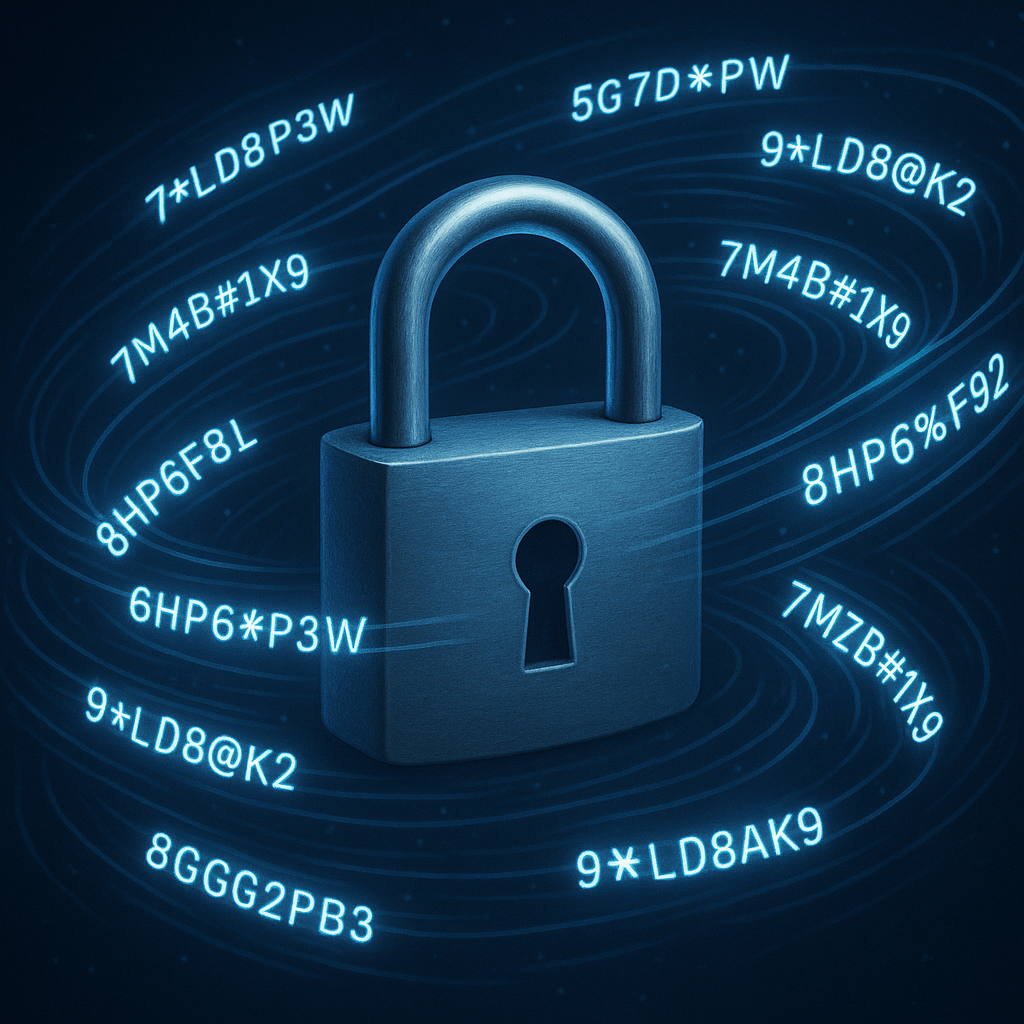
Advanced Techniques to Boost Security
Multi-Factor Authentication (MFA)
Think of MFA as a double lock: even if someone guesses your password, there will be an additional obstacle. The second factor can take the form of an SMS code, an authentication app, or a hardware key (USB, NFC).
From experience, the dedicated app (Google Authenticator, Authy) offers a better security/usability compromise than SMS, which is subject to number hijacking. The physical key, meanwhile, remains the reference for extremely sensitive uses.
Regular Rotation and Updating
An unchanging password, even a strong one, eventually becomes exposed if a hacker accesses it late. Updating your credentials every 6 to 12 months provides an additional defense. Managers facilitate this rotation by remembering old versions and offering to automatically change your accounts on certain sites.
For essential services (bank, professional email), increase the frequency or combine rotation with activity monitoring to detect suspicious access before it causes damage.
Common Mistakes to Avoid
- Avoid birthdates, first names, or dictionary words: dictionary attacks target these elements first.
- Do not give in to the temptation of “123456” or “azerty”: they remain sadly widespread and vulnerable.
- Beware of “glamorous numbers” (1984, 2020): overused, they appear in almost all leaked databases.
- Do not store your passwords in plain text (post-its, text files): prefer an encrypted vault.
- Do not ignore security alerts: if a service suggests changing your password following a breach, do not ignore it.
Tools and Best Practices for Daily Use
Installing a manager remains the most effective. Complement it with a browser extension to automatically fill in your credentials and avoid manual entries (and thus phishing risks).
- Activate MFA on all sensitive accounts.
- Use generated passwords for each new registration.
- On mobile, consider biometrics to unlock your manager.
- Regularly check security reports of your services (Have I Been Pwned, official notices).
Frequently Asked Questions
What is the minimum length for a secure password?
Aim for at least 12 characters: it is a good compromise between computational cost for the attacker and memorization for the user.
Are password managers really safe?
Yes, provided you choose a reputable solution with AES-256 or higher encryption and independent audits. Above all, keep a strong master password.
Why avoid SMS for MFA?
SMS can be hijacked via SIM swapping techniques. Authentication apps or physical keys offer a more resilient barrier.
How to remember a complex password without writing it down?
The passphrase method transforms a short text into a memorable anchor point. Add character variations to maintain strength.









