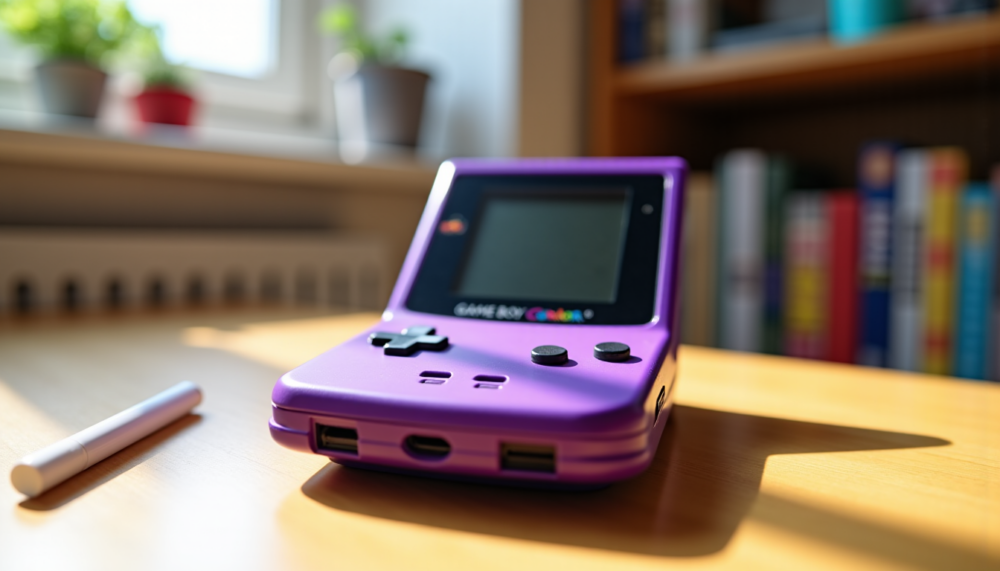
The Game Boy Color, launched in 1998, marked an entire generation of players with its color screen and portability. Twenty-five years after its release, keeping this iconic console in perfect working order represents an exciting challenge for enthusiasts. Preserving your Game Boy Color requires specific maintenance actions to ensure the gaming experience remains true to the original. This guide helps you bring your console back to life.
The Importance of Regular Maintenance for Your Game Boy Color
A console like the Game Boy Color, designed to be carried and used frequently, is naturally subject to wear over time. Dust, humidity, and minor shocks can damage its components and appearance. Regular maintenance is not limited to simple surface cleaning; it encompasses a series of preventive and corrective actions that ensure the device’s longevity. Neglecting these aspects can lead to malfunctions, degradation of image or sound quality, or even a complete breakdown of your precious console.
By adopting a maintenance routine, you protect not only its functionality but also its heritage and emotional value. Moreover, good maintenance allows you to detect potential problems before they become critical, thus facilitating repairs and significantly extending the lifespan of your Game Boy Color. It also guarantees a better gaming experience, without interruptions or unexpected bugs, and preserves what makes this machine a sought-after collectible by many enthusiasts. The attachment to these consoles from another era is deep, and keeping them in perfect condition is a mark of respect for their history.
Thorough Cleaning: Preserving Aesthetics and Functionality
Cleaning is the first line of defense against external aggressions. For the outer shell, a soft cloth slightly moistened with water or 70% isopropyl alcohol is generally sufficient. Avoid abrasive products, strong solvents, or rough sponges that could damage the plastic or fade logos and inscriptions. A soft-bristled brush can help dislodge dust from hard-to-reach corners.
The screen, meanwhile, deserves special attention. Use a microfiber cloth and a mild cleaning product specifically designed for electronic screens to remove fingerprints and dust without scratching the surface. Never spray liquid directly onto the screen; instead, spray it onto the cloth. Installing a screen protector film can also prevent daily micro-scratches.
Buttons and the directional pad can accumulate dirt and skin residues, affecting their responsiveness and tactile feel. A cotton swab soaked in isopropyl alcohol allows cleaning the gaps without disassembling the console. For deeper slots, such as the cartridge port or power connector, a can of compressed air can effectively dislodge embedded particles.
The battery compartment is often the site of corrosion caused by batteries left too long or of poor quality. Clean the metal contacts with a cotton swab and isopropyl alcohol. In case of advanced corrosion, a pencil eraser or white vinegar applied carefully can help restore conductivity, followed by thorough drying. This area is crucial for the proper functioning of the console.
Summary Table of Essential Maintenance Actions
| Affected Area | Common Issue | Recommended Solution |
|---|---|---|
| External Shell | Dirt, fingerprints | Soft cloth and 70% isopropyl alcohol |
| Screen | Dust, light scratches | Microfiber cloth and gentle screen cleaner |
| Buttons and D-pad | Clogging, poor responsiveness | Cotton swab and isopropyl alcohol in crevices |
| Cartridge Port | Dust, poor contacts | Compressed air, cleaning contacts with alcohol |
| Battery Compartment | Corrosion, acid leakage | Cotton swab, isopropyl alcohol, pencil eraser or white vinegar (with caution) |
Power Management: Batteries and Precautions
Power is the lifeblood of any portable console, and the Game Boy Color runs on two AA batteries. The choice of batteries influences both the performance and the longevity of your device. Standard alkaline batteries are perfectly suitable for occasional use.
However, for regular players, NiMH rechargeable batteries (Nickel-Metal Hydride) represent an economical and eco-friendly alternative, offering a respectable lifespan and the possibility to be reused many times. Be sure to use a charger suitable for these batteries.
The major risk with batteries is acid leakage, especially if they are left in the console for a long period without use or if they are of poor quality. This acid can severely corrode the contacts in the compartment and even seep into the motherboard, causing irreparable damage.
To prevent this problem, always remove the batteries from your Game Boy Color if you plan not to use it for several weeks or months. Store them separately in a dry and cool place. This simple precaution will save you many troubles and ensure that your console will be ready to use when the urge to play strikes.
Display Issues: Understanding and Solving Screen Problems
The Game Boy Color screen is a delicate component and often the first to show signs of aging. Common issues include the appearance of vertical or horizontal lines, dead pixels, or a general yellowing of the display. These phenomena are generally related to the age of the LCD panel, degradation of the connection ribbons, or internal shocks. Display clarity is essential for full immersion in classic games.
Vertical lines, for example, often result from a connection problem between the screen and the motherboard. Sometimes, slight pressure or a gentle massage on the edge of the screen, where the ribbon is connected, can temporarily restore the pixels. However, this solution is not always durable and the problem may reoccur. For persistent lines, screen replacement may become unavoidable.
Dead pixels are permanent black spots on the screen and cannot be repaired by software. Yellowing or fading colors are a natural consequence of the aging of the LCD panel, exposed to UV and heat over time. This can make some games less pleasant to the eye.
For enthusiasts seeking an enhanced visual experience, modern solutions exist, such as replacing the original screen with a backlit IPS panel. This modification offers much better brightness, contrast, and colors, radically transforming the gaming comfort, especially in low-light environments. Although this is not a “repair” of the original screen, it is a popular upgrade that allows full enjoyment of the colorful graphics of the Game Boy Color.
Common Repairs and Possible Upgrades
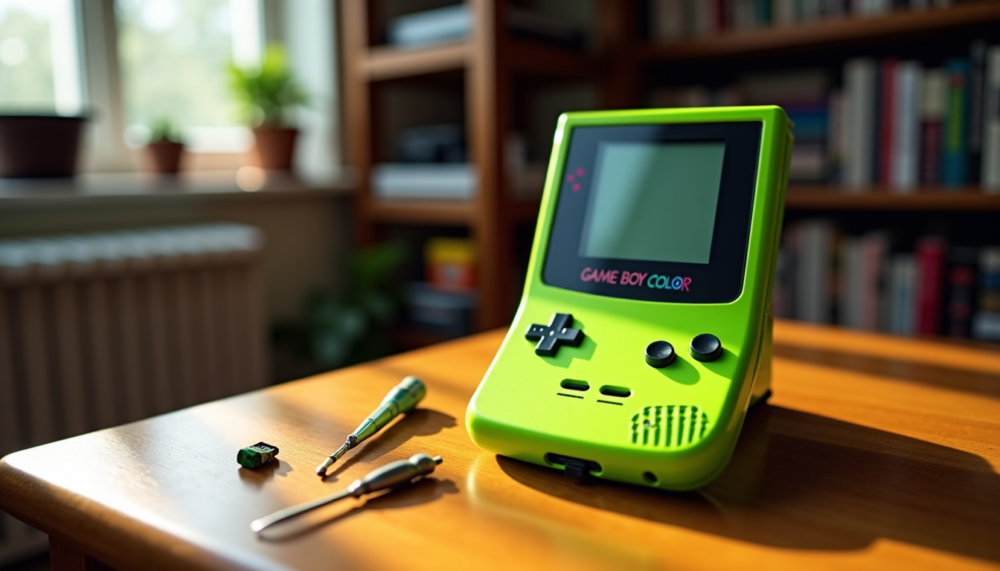
Beyond simple cleaning, some repairs may be necessary to restore full functionality to your Game Boy Color. The rubber membranes under the buttons can wear out, tear, or stiffen over time, affecting the responsiveness of the controls and making gameplay less enjoyable. Replacing them is a relatively simple operation that can make a big difference in gaming comfort and action precision. These spare parts are generally affordable.
Similarly, the original speaker can, over time, lose sound quality, crackle, or stop working entirely. Replacement speakers, often more efficient than the originals in terms of clarity and volume, are easily available and their installation only requires basic soldering skills. This allows you to regain the pleasure of the iconic game melodies.
For those who wish to customize or restore the aesthetics of their console, replacing the outer shell is a very popular option. There are a multitude of new shells, in all colors, transparent or with special patterns, allowing you to give your Game Boy Color a fresh look or a unique style. This operation is also an opportunity to clean the inside of the console. Some modifications go even further, such as integrating a rechargeable USB-C battery, which eliminates the need for AA batteries, or adding a video output to play on an external screen.
If you are looking for spare parts, modification kits, or even consoles already restored and upgraded, many specialized resources exist. To discover a varied selection and find components suited to your needs, you can explore collections dedicated to https://masaru.fr/collections/console-nintendo-gameboy-color. These options allow you to keep your console functional while adapting it to modern standards and significantly extending its lifespan. The cost of these parts varies, but the investment is often justified by the regained enjoyment.
Extending your console’s life: storage and use
The way you store and use your Game Boy Color directly influences its lifespan. Proper storage protects the console from physical and environmental damage. Avoid leaving your device exposed to direct sunlight, as UV rays can yellow the plastics and degrade the screen. Likewise, extreme temperatures (hot or intense cold) and excessive humidity are harmful to the internal electronic components and solder joints.
Use a protective case or carrying pouch to shield it from shocks, scratches, and dust when not in use or during transport. For long-term storage, a dry, cool, and room-temperature place, such as a shelf or drawer, is ideal. Always remove the batteries before storing it for an extended period to prevent leaks mentioned earlier, which are a major cause of irreparable damage.
When using it, always handle your Game Boy Color with care. Insert and remove game cartridges gently, without forcing, to avoid damaging the connection port. Avoid eating or drinking nearby to prevent accidental spills that could infiltrate the device and cause short circuits. Clean your hands before playing to avoid transferring grease and dirt onto the shell and buttons. These simple but essential actions greatly contribute to keeping your console in excellent working condition for many years, thus ensuring an optimal gaming experience.
“Preserving a Game Boy Color is not just about maintaining an object, it’s also about keeping alive a part of video game history and our childhood memories.”
Tips for Maximum Longevity
- Always remove the batteries from the console if you are not using it for a long period to avoid leaks.
- Use a cover or protective pouch to carry and store it.
- Avoid direct exposure to sunlight, humidity, and extreme temperatures.
- Handle game cartridges carefully, inserting and removing them gently.
- Regularly clean the cartridge contacts with a cotton swab and isopropyl alcohol.
- Visually inspect the console from time to time for any signs of wear or corrosion.
Preserving the Legacy: A Sustainable Investment
Maintaining a Game Boy Color is not just a simple technical task; it is a passionate endeavor, a way to preserve a piece of video game history. By taking care of your console, you not only ensure hours of nostalgic enjoyment but also help keep alive a technological and cultural heritage that has marked generations. It is a way to celebrate the innovation and design of a bygone era.
Regular cleaning routines, careful power management, and possible repairs or upgrades are all steps that ensure the longevity of this iconic device. A well-maintained Game Boy Color retains its value better, whether sentimental for its owner or potentially commercial for collectors. The demand for these consoles in perfect condition remains strong.
Each restored console tells a story and offers the chance to discover or rediscover classic titles in their original conditions, or even with modern enhancements for increased comfort. It is a long-term commitment rewarded by the satisfaction of operating a machine that has endured through decades and sharing this passion with other retro gaming enthusiasts.
Frequently Asked Questions About Game Boy Color Maintenance
Can rechargeable batteries be used with the Game Boy Color?
Yes, NiMH rechargeable batteries are an excellent alternative to classic alkaline batteries. They offer good autonomy and are more environmentally friendly in the long run. Make sure to use a charger suitable for these batteries.
How do I know if my Game Boy Color needs repair?
Be attentive to signs such as buttons that no longer respond, crackling or absent sound, lines on the screen, or a console that won’t turn on. These indicators often suggest a need for cleaning or component replacement.
Is it difficult to replace the original screen with a modern screen?
Replacing it with a backlit IPS screen requires DIY skills and sometimes soldering. It is a modification that can be complex for novices, but many guides and tutorials are available online to assist the most motivated.
Where can I find games for my Game Boy Color?
You can find Game Boy Color games on online marketplaces, in stores specializing in retro gaming, or at flea markets and conventions. Always check the condition of the cartridge and contacts before purchasing.
Maintaining a Game Boy Color is a rewarding process that goes beyond the simple upkeep of an electronic device. It is an act of cultural preservation, allowing current and future generations to enjoy the ingenuity of this console. With a little care and attention, your Game Boy Color will remain a source of entertainment and nostalgia for years to come.









