| Key Points | Details to Remember |
|---|---|
| 📚 Definition | Understand what a free alternative to ChatGPT is and why it exists. |
| 🤖 Key Examples | Try Google Bard, Bing Chat, YouChat, Perplexity, and several open source LLMs. |
| 🔍 Selection Criteria | Compare performance, privacy, ergonomics, and usage limits. |
| 🛠️ Installation & Access | Install locally or create a free cloud account in a few clicks. |
| 🎯 Use Cases | Adapt the tool to your needs: writing, research, or application prototyping. |
| ⚖️ Comparison | Evaluate advantages and disadvantages of each solution before deciding. |
Are you curious to explore free alternatives to ChatGPT without sacrificing the quality of interactions? Between cloud services, open source projects, and DIY experiments, the conversational AI ecosystem is full of free options. One might think you need to invest to access a high-performance chatbot, but in truth, several solutions deserve your attention. Here is a guide to help you navigate and no longer limit yourself to a single provider.
Why look for a free alternative to ChatGPT?
Like any rapidly growing market, the offer of AI chatbots tends to diversify. However, each platform adopts its own request limits, privacy policy, and pricing beyond the free tier. Not to mention that some open source models offer you complete control over your data locally. By digging a little, you discover surprisingly effective tools, sometimes more flexible than ChatGPT.
At the heart of this approach, two issues stand out: autonomy—to avoid depending on a single API—and privacy—to protect your private exchanges. Moreover, testing several options also means refining your workflow according to your uses (rewriting, brainstorming, customer support, etc.). Finally, exploring these alternatives means tapping into the strengths of very dynamic open source communities.
Cloud solutions accessible for free
These services rely on a web interface and a free API, subject to account creation. You benefit from immediate startup, without installation or configuration. Their main asset? Computing power is generally handled server-side, without local tinkering.
Google Bard
Launched as a direct response to ChatGPT, Google Bard relies on real-time indexing and deep integration with Workspace. The interface’s fluidity and response speed are appreciated, but sometimes there are limitations on very specialized questions. Notable point: it respects daily quotas and remains completely free.
Bing Chat
Accessible via Microsoft Edge, Bing Chat combines an OpenAI GPT model and search engine contextualization. Result: often sharp answers, enriched with recent web sources. Ideal for factual queries, less so for creative prose. Its free access is a real plus, provided you browse with Edge.
YouChat and Perplexity.ai
YouChat integrates into a browser sidebar, while Perplexity offers a “research assistant” approach that systematically cites its sources. Their user experience differs, but both offer an attractive free option, especially for those who alternate between informative queries and more casual conversations.
Open Source Models to Install Locally
To gain control and avoid any pricing tricks in the long run, nothing beats an open source LLM. Admittedly, you need a machine equipped with a substantial graphics card, but the hardware investment pays off as soon as you exceed the limits of cloud offerings.
GPT4All
Based on GPT-J, GPT4All is configured with a few commands. Its main advantage: it runs locally and accepts complex prompts without sending out your data. Practically, you download it, install it, and launch a minimalist but functional interface. The privacy gain is considerable.
Vicuna and Alpaca
These forks of LLaMA, trained on crowdsourced dialogues and exchanges, offer a good compromise between model size and response quality. The performance can rival some paid versions, provided you have 6 to 8 GB of VRAM. Community tutorials abound for setup.
Oobabooga
With its simple WebGUI interface to deploy, Oobabooga facilitates access to several open source LLMs. You drop the model into a folder, run a Python script, and interact via the browser. One of the best solutions for those who want to juggle different models without diving into Docker or Kubernetes.
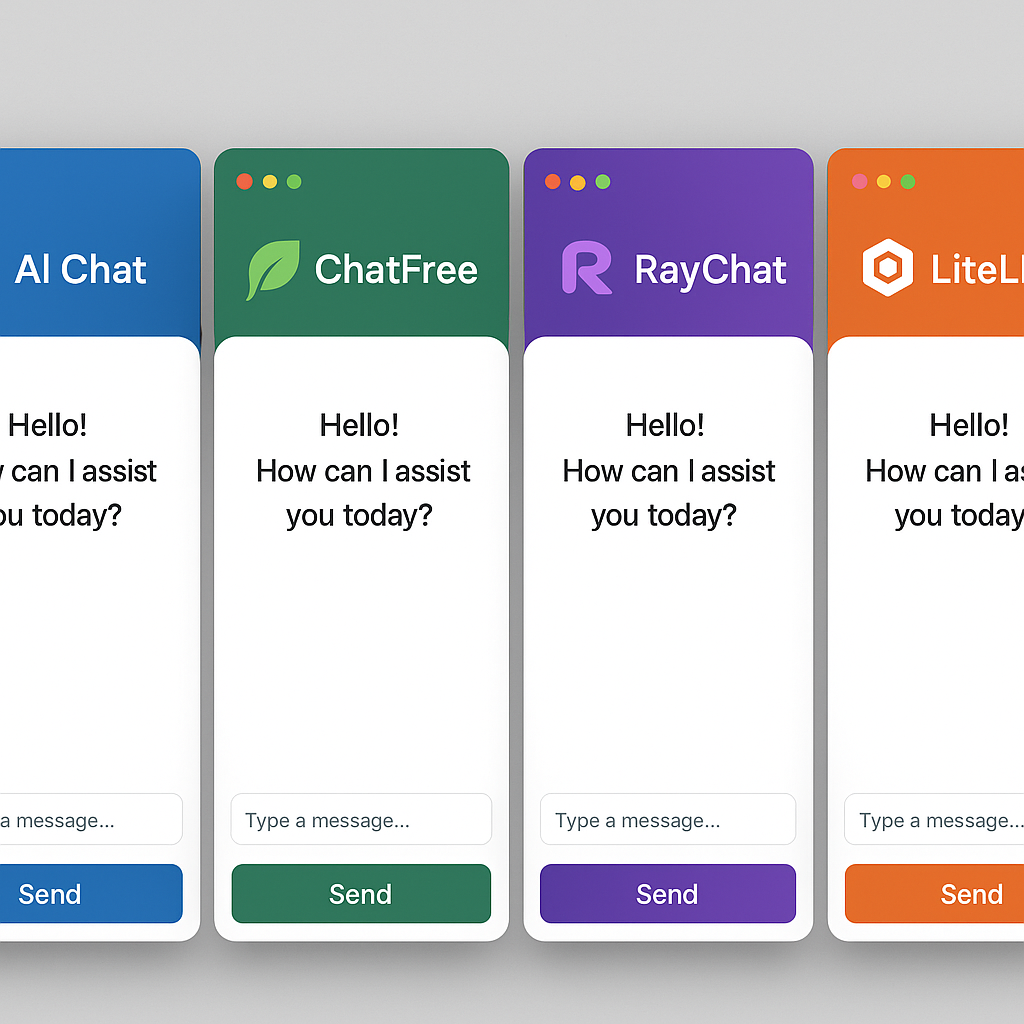
Criteria for Choosing the Right Alternative
Several parameters influence the relevance of a tool according to your needs:
- Model quality: relevance of responses, contextual understanding ability.
- Usage limits: number of daily requests, supported prompt size.
- Privacy: data hosted in the cloud or locally.
- Ergonomics: web interface, third-party integrations, available APIs.
- Community & support: documentation, help forums, update frequency.
In practice, list your priority needs and assign a score to each criterion. You will quickly see which service or local solution stands out, without settling for a generic comparison.
FAQ
What are the most popular free cloud alternatives?
There is Google Bard for its connection to the Google ecosystem, Bing Chat for its integration with Edge, and YouChat or Perplexity for a more research-oriented approach.
Is a GPU required to install an open source LLM?
Ideally yes, especially if you want fast responses. Some lightweight models run on CPU, but you will sacrifice a lot in latency time.
Can multiple models be mixed in the same interface?
Tools like Oobabooga or custom scripts allow switching from one model to another without changing windows, which is very convenient for testing and comparing live.
{
“@context”: “https://schema.org”,
“@type”: “WebPage”,
“about”: {
“@type”: “Thing”,
“name”: “Alternatives gratuites à ChatGPT”
},
“keywords”: [“ChatGPT”, “alternatives gratuites”, “IA conversationnelle”, “modèles open source”, “Bing Chat”]
}









