| Key Points | Details to Remember |
|---|---|
| 🗺️ Definition | Explore free or freemium mapping services to replace Google Maps. |
| 🔎 Main Benefits | Control over data, offline options, and flexibility for developers. |
| ⚙️ Features | Routes, map tiles, APIs, and offline modes depending on the offerings. |
| 🔒 Privacy | Choose according to data collection policies and local data usage. |
| 📱 Uses | Mobile applications, web integrations, and open source projects. |
| ✅ Outcome | Test several services to find the best functional and privacy-respecting combination. |
Google Maps has dominated for years, but today there are solid alternatives — free or freemium — worth trying. Whether you are a mobile user looking for an offline map, a developer wanting to integrate maps without relying on a giant, or simply concerned about privacy, this guide compares seven concrete solutions, their strengths, their limits, and the best way to test them quickly.
Why look for an alternative?
One might think that changing mapping tools doesn’t have much impact. In reality, the differences affect three areas: data privacy, the possibility to use offline maps, and the technical freedom offered to developers. Some services collect little information and rely on community contributions, others offer powerful SDKs but limit free usage.
For companies, leaving the Google ecosystem can reduce the bill related to API quotas. For individuals, choosing OpenStreetMap or an app like Maps.me means adopting an alternative often more respectful of personal data and better suited to rural areas or offline uses.
The 7 free alternatives to try
Here I review proven options, focusing on usage, privacy, and technical possibilities. The idea is not to establish a definitive ranking, but to propose paths according to your needs.
1. OpenStreetMap (OSM)
OSM is not a single application but a collaborative mapping database. It is the founding project for many other services mentioned below. Maps are updated by contributors, which makes coverage excellent for some territories where commercial services are less detailed.
Strengths: free data, active community, possibility to export and host your own tiles. Limits: no ready-to-use universal interface — a client (like Maps.me or OsmAnd) is needed for smooth mobile use.
2. Here WeGo
Here offers a solid consumer application for navigation and routes, with an interesting offer for public transit and driving. The quality of maps in Europe is often praised, and the app offers region downloads for offline use.
Ideal use: drivers and travelers who want reliable offline functionality without worrying about advanced technical setup.
3. Maps.me
Maps.me is based on OpenStreetMap and focuses on simplicity: clear interface, quick region downloads, voice guidance. It is one of the best options for tourism and hiking where the connection is intermittent.
Points to note: the app is free and convenient, but some past versions included paid options; check permissions and data collection policy before installation.
4. OsmAnd
OsmAnd is the tool for advanced users who want fine settings: map styles, customized routing, vector maps, and plugins. The app offers a very good level of control and the possibility to use compressed vector maps to save space.
For whom: hikers, cyclists, developers who want a robust and configurable mobile solution.
5. Mapbox (free offer)
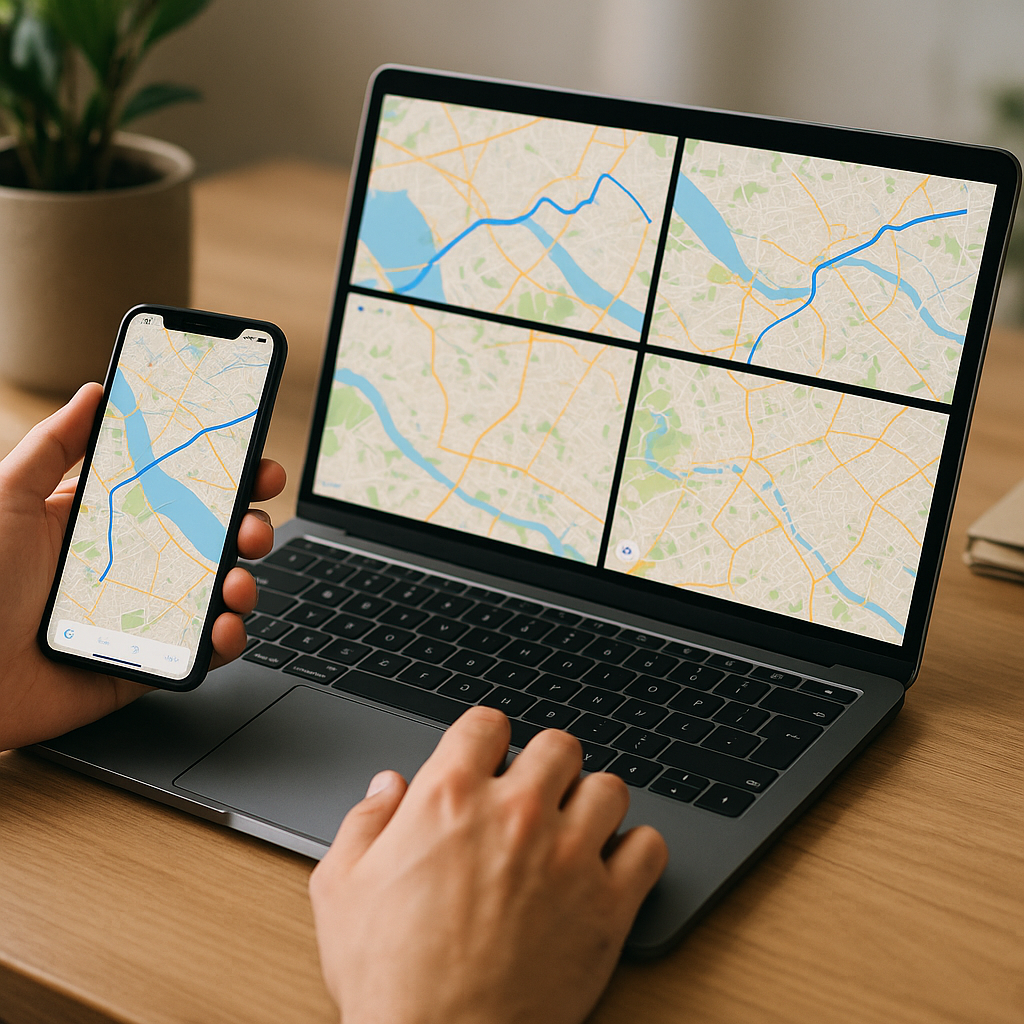
Mapbox offers tiles, SDKs, and a workflow designer (Studio). The platform is appreciated for visual map customization and efficient integration on web and mobile. There is a generous free tier for small projects and modern APIs for developers.
Practical tip: use Mapbox if you want customized map rendering without starting from scratch, but watch quotas if the app gains traffic.
6. Bing Maps
Bing Maps is often underestimated. Its satellite images and business tools are adequate, and Microsoft offers free options for certain uses. For developers, the API is robust and well documented.
Specificity: pricing and usage conditions may vary by country; useful for professional integrations where an alternative to Google is desired.
7. MapQuest
MapQuest, long synonymous with consumer mapping, has evolved and now uses OSM data in some services. It provides basic APIs for routing and geocoding, with a free plan sufficient for modest projects.
Good use: prototypes, classic websites, and applications with basic geocoding and routing needs.
Quick comparison: summary table
To summarize the differences, here is a simple table that helps to see which service to choose depending on the main use.
| Service | Offline | API / Dev | Privacy | Ideal for |
|---|---|---|---|---|
| OpenStreetMap | Depends on client | Yes (open data) | High | Open source projects, contributions |
| Here WeGo | Yes | Yes | Medium | Offline navigation |
| Maps.me | Yes | Limited | Medium | Tourism, travel |
| OsmAnd | Yes | Plugins | High | Advanced users |
| Mapbox | Partially | Excellent | Variable | Map design and apps |
| Bing Maps | Partially | Yes | Medium | Professional integrations |
| MapQuest | No | Basic | Medium | Prototypes and websites |
How to choose the right alternative?
First ask the question of need: navigation while traveling, tourist use, web integration, or managing an application park for a company. Each case calls for different priorities — offline storage, quota limitations, cost at scale, or anonymity requirements.
To test without commitment: install Maps.me or OsmAnd to evaluate offline mobile use. For a web project, create a Mapbox account and deploy a test page with Leaflet to compare rendering and latency. If you need detailed data in France, also consider consulting local layers: for example, a specialized map of France can complement OSM for certain municipal searches.
Best practices before migrating
Do not change everything at once. Test in parallel: keep Google Maps for critical uses and gradually deploy the alternative to a segment of users. Measure performance and monitor feedback — ergonomics, address accuracy, offline behavior.
If you are a developer, keep an abstraction layer: use libraries like Leaflet or OpenLayers to be able to switch backends (Mapbox, OSM, Bing) without overhauling your entire application.
FAQ
Which alternative is the most privacy-friendly?
OpenStreetMap and clients that do not aggregate analytics (like OsmAnd) generally offer the best control. However, check the policies of each app.
Can pedestrian and bicycle routes be obtained with these services?
Yes: OsmAnd, Here WeGo, Mapbox, and Maps.me offer bike/pedestrian profiles. Routing quality varies depending on the richness of local data.
Do free alternatives have limitations for developers?
Most offer free quotas. Mapbox and Bing have caps: monitor limits to avoid service interruptions if your project grows.
How to contribute to OpenStreetMap maps?
You can correct errors via the OSM online editor or use contribution tools on mobile. The community provides many resources and guides.









