The SKR token (Solana Mobile) arrives with a simple promise: to transfer some of the power (governance), value (rewards), and curation (dApp Store) to the Seeker community. Since the official announcement, one question keeps coming up: how much will I receive and how to claim it without getting scammed? Here is a complete and concrete guide, focused on the SKR airdrop, the allocation, the claim schedule, the distribution, and staking.

Quick verdict: SKR airdrop 2026
Rating: 8.6/10. The SKR airdrop is atypical: it rewards mobile usage (Seeker), not just wallet seniority. The Season 1 allocation is already structured into clear tiers, with an announced claim schedule and staking linked to Guardians. The point to watch: the ecosystem is young, so the value and governance rules will depend on the adoption pace and community choices.
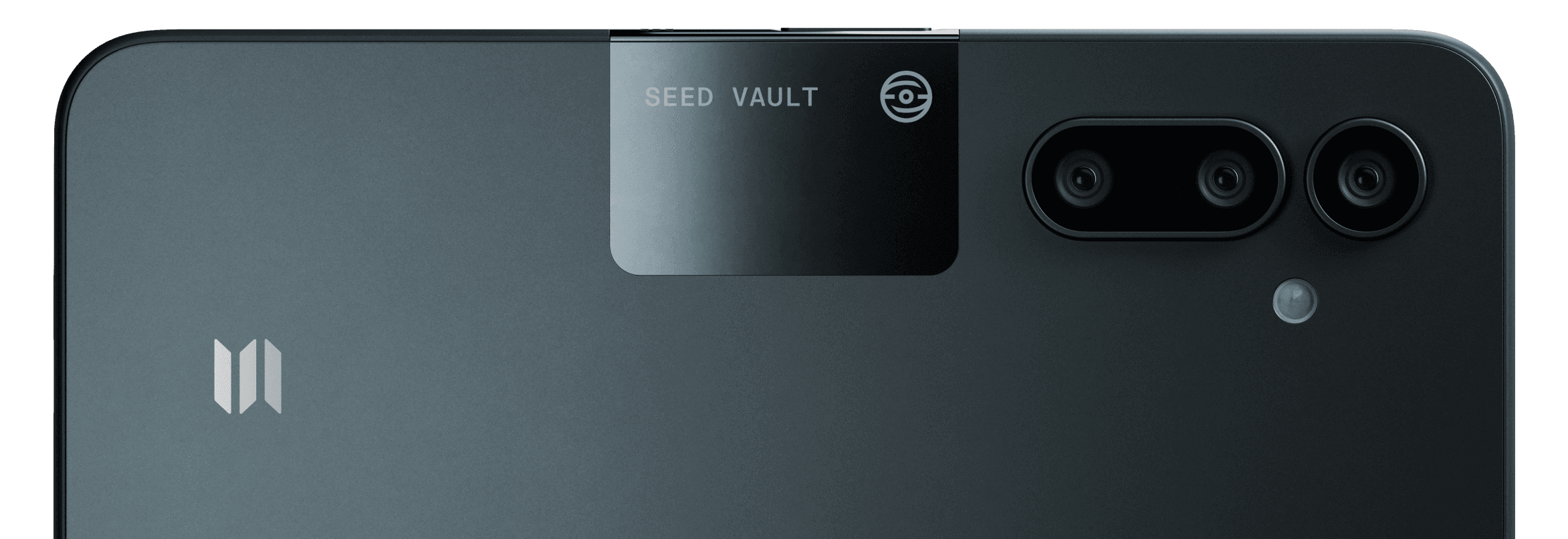
Recommended for: Seeker owners (Genesis Token activated), regular users of Solana dApps on mobile, builders publishing in the Solana dApp Store, profiles sensitive to hardware security (Seed Vault).
- If you mainly want to “claim”: prepare ~0.015 SOL, verify the linked wallet, and claim in the Seed Vault Wallet.
- If you aim for the long term: look at the distribution, inflation, and staking/Guardians mechanism.
- If you fear scams: the claim goes through the official app, not via a link received on X/Discord.
SKR: real role in the ecosystem
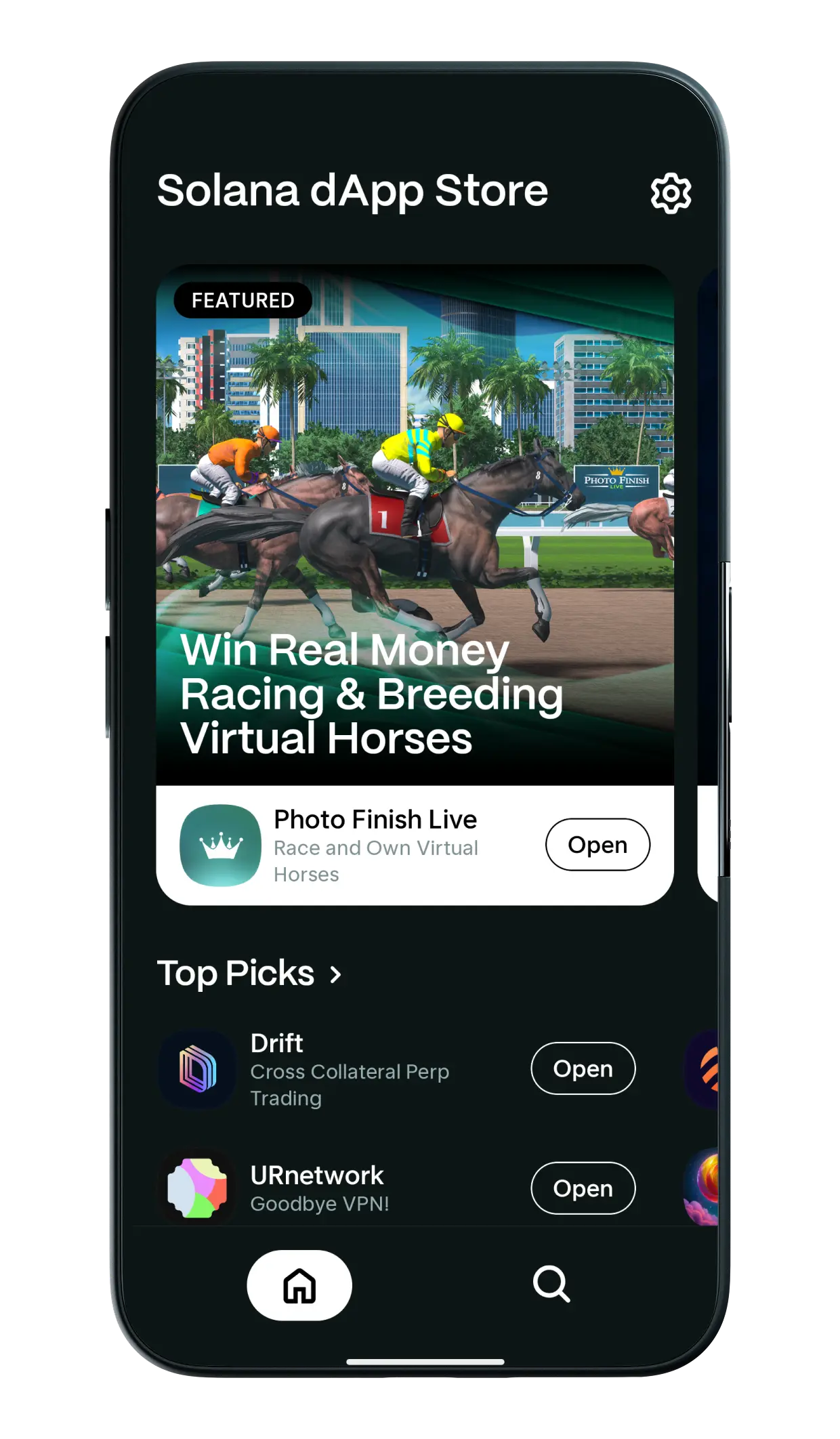
SKR is presented as the native asset of the Solana Mobile ecosystem. Concretely, it targets three uses: governance (rules and standards), curation (store dApps), and alignment of incentives between users, builders, and hardware partners.
What changes compared to a “classic airdrop”: the mobile ecosystem introduces activity signals that are hard to simulate at scale (activation, dApp usage on Seeker, tracking via the app). Solana Mobile also mentions a trajectory where SKR could capture value via platform fees as the system matures (to be distinguished from Solana network fees paid in SOL).
What does not change: you remain on Solana, so on-chain transactions always use SOL fees. SKR comes “on top,” for coordination and rights within the mobile ecosystem.
SKR Tokenomics: supply, distribution, unlocks
Official data announce a total supply of 10 billion SKR. The distribution is designed to finance growth (partnerships), reward the community (airdrops + treasury), and secure the system (liquidity/launch + operators).
| Category | Allocation | Unlock / vesting |
|---|---|---|
| Airdrops | 30% | Unlocked at launch (TGE) |
| Growth & Partnerships | 25% | Partial unlock at TGE + linear over 18 months (details vary by update) |
| Solana Mobile Team | 15% | 12-month cliff + 36-month linear vesting |
| Solana Labs | 10% | 12-month cliff + 36-month linear vesting |
| Community Treasury | 10% | Unlocked at launch, governed via governance |
| Liquidity & Launch | 10% | Unlocked at launch (TGE) |
Two technical points deserve to be understood before judging the “selling pressure”: (1) part of the supply is already liquid at launch (airdrops + liquidity), (2) other blocks are vested over several years (team/Solana Labs), which tends to smooth the arrival of tokens on the market.
SKR also plans for inflation: year 1 at 10% (i.e., 1 billion SKR), with an annual decrease of 25% down to a terminal rate of 2% per year. In practice, this type of inflation is often used to finance staking rewards and incentives, especially at the start.
Simple reading (summary): a large portion of SKR is distributed early (airdrops + liquidity) to launch the activity, while governance and staking structure the rules. The vested blocks (team/partners) reduce the risk of a “token flood” from day 1, but inflation and incentives remain parameters to monitor quarter after quarter. Source: Solana Mobile, “SKR” page and tokenomics (updated 2026)
SKR Allocation & Airdrop: who gets what, and why
In the first wave, Solana Mobile announces nearly 2 billion SKR distributed to users and developers of the ecosystem, representing 20% of the total supply. For Seeker users, Season 1 eligibility is tied to a very clear condition: activate the Seeker Genesis Token before or during Season 1.
After anti-sybil measures, the communicated Season 1 allocation is 1.819 billion SKR distributed to 100,908 users, divided into five tiers. On the builders’ side, 141 million SKR are announced for 188 qualified developers, with an identical allocation per qualifying developer.
| Tier (Season 1) | Announced Allocation | Typical Profile |
|---|---|---|
| Scout | 5,000 SKR | Activation + light usage |
| Prospector | 10,000 SKR | Activation + regular usage |
| Vanguard | 40,000 SKR | Notable dApps engagement |
| Luminary | 125,000 SKR | Very active / early power user |
| Sovereign | 750,000 SKR | Top Season 1 profile |
| Qualified Developers | 750,000 SKR | “Qualifying” app published in Season 1 |
This table helps you position yourself, but it does not replace the in-app verification: the official Allocation Checker is integrated into the Seed Vault Wallet. It is also a good “anti-scam” signal: if a site asks you to connect your wallet to “check,” be cautious.
Claim SKR: simple steps (Seed Vault Wallet)
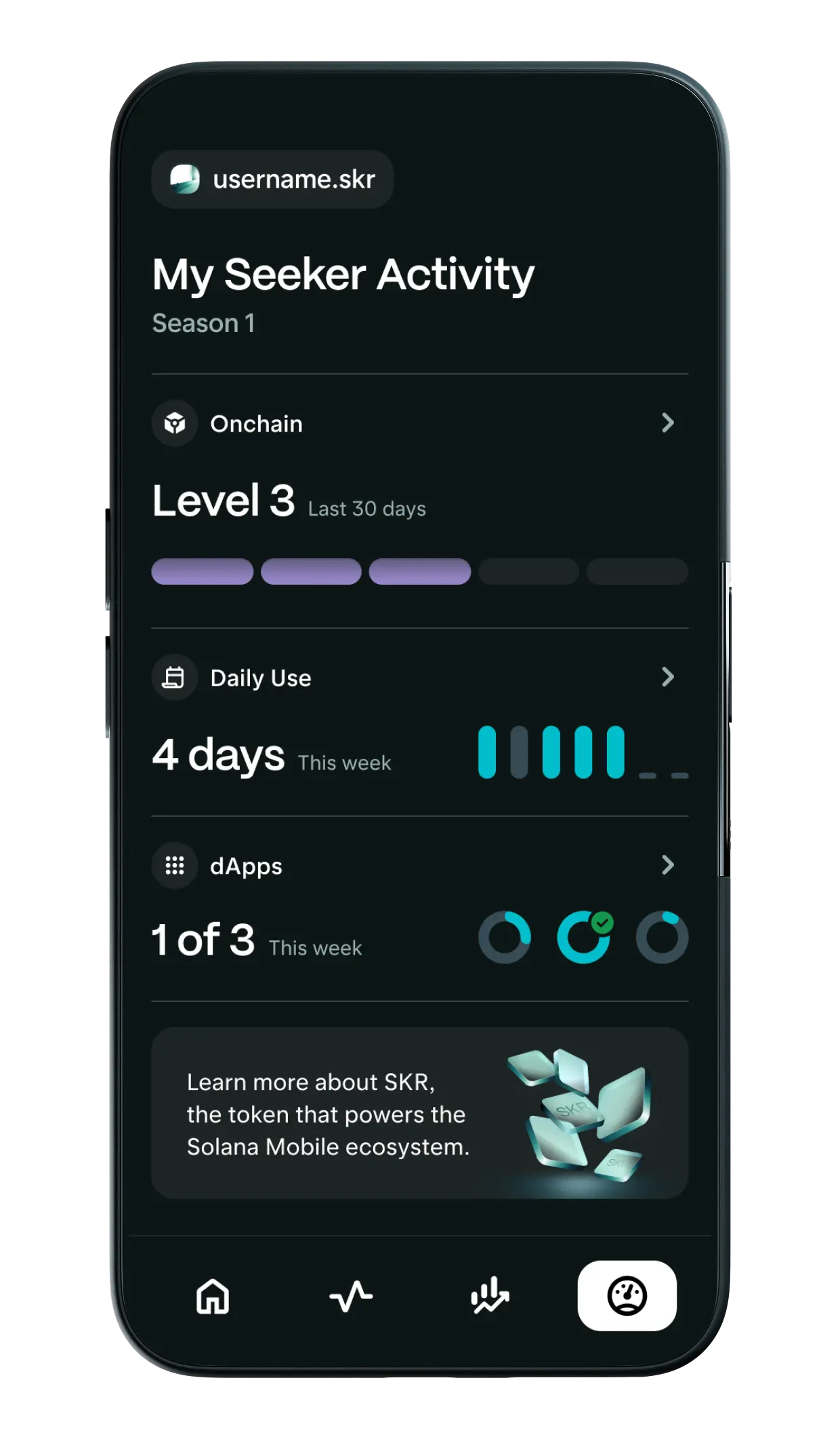
The official schedule mentions that claims open on January 21, 2026, at 02:00 UTC. The claim is done in the tab related to tracking (Activity Tracking) in the Seed Vault Wallet. Plan for ~0.015 SOL for transaction fees, otherwise you risk being blocked at the moment of the claim.
Three practical details prevent 90% of unpleasant surprises: (1) the claim is linked to the wallet address associated with the Seeker Genesis Token at the end of Season 1, (2) you have 90 days to claim, after which unclaimed SKR are no longer available, (3) transfers of the Seeker Genesis Token are announced as temporarily disabled around the claim period.
- Step 1: open Seed Vault Wallet and locate the “Activity Tracking” tab.
- Step 2: launch the Allocation Checker and verify your tier + amount.
- Step 3: make sure you have ~0.015 SOL available (network fees).
- Step 4: on the day, initiate the claim from the app (avoid external links).
- Step 5: after receipt, decide: keep, move, or stake.
A subtle point: if you changed your “main” wallet during Season 1, the announced rule (“wallet linked to the Genesis Token at the end of Season 1”) may explain a discrepancy between your intuition and the displayed allocation. In this case, do not try to “force” via a third-party dApp: the Allocation Checker is the operational reference.
Staking SKR & Guardians: what you are really delegating
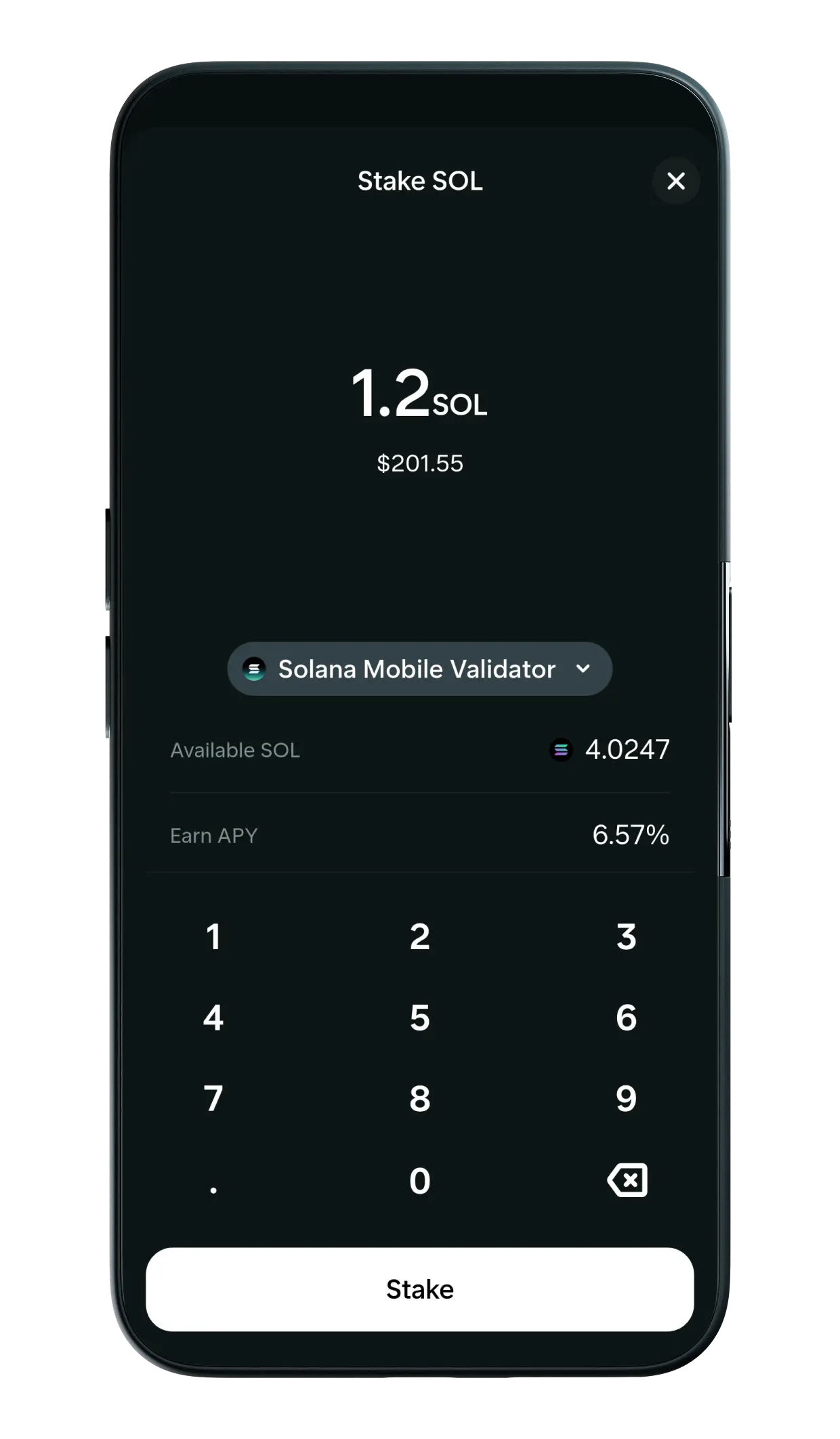
SKR staking is designed to support the Guardians, the operators who secure the “mobile layer”: device identity verification, software integrity control, store submissions review, enforcement of community standards. The model resembles a mix between staking and governance: you delegate, you strengthen an operator, and you receive rewards.
In official communications, Solana Mobile indicates a startup phase where the team operates a first Guardian at 0% commission before a broader opening to third-party operators. Names mentioned for 2026 include Anza, DoubleZero, Triton, Helius, and Jito.
On the mechanics side, remember two timings: rewards are announced on a 48-hour rhythm, and unstaking involves a cooldown of about 48 hours (often described as “epochs” of 2 days). This delay is not trivial: if you rely on instant liquidity, staking is not neutral.
- Guardian choice: look at commission, reputation, uptime, and transparency.
- Commitment duration: anticipate the cooldown if you want to move quickly.
- Goal: short-term rewards vs long-term influence on store rules.
Security: avoiding fake “claims” and bad tokens
A high-profile airdrop attracts two threats: (1) fake claim portals that drain wallets, (2) fake tokens (same ticker) pushed on DEXes/aggregators. The operational rule: never claim from a link received on X/Telegram/Discord, even if the account seems “official.” Use the app (Seed Vault Wallet) and verify announcements via Solana Mobile channels.
Public figures on fraud remind us why: the FBI indicates that investment fraud (often related to crypto) represents losses of more than 6.5 billion dollars in 2024, and cybercrime reports consistently list phishing/spoofing among the top causes of complaints. Chainalysis analyses also estimate billions of dollars of on-chain revenue linked to scams, with dynamics that vary according to the years and methods (pig butchering, drainers, impersonation).
Security point (summary): most breaches do not break crypto, they break the human. Cyber reports show that a large share of incidents start from a click, a spoofed message, or too quick a validation. On mobile, the discipline of “zero external link for a claim” and address/contract verification remain your best firewalls. Sources: FBI (Internet Crime Report 2024, April 23, 2025 release); Verizon DBIR 2024 (major human factor); Chainalysis (scam analyses 2024/2025)
“Anti-drain” checklist before the claim:
- Channel: cross announcements (site + app + official account), not a DM.
- Contract: wait for the official token address, beware of clones.
- Permissions: refuse any “infinite approval” signature outside the framework.
- Seed phrase: never entered on a site, even a “checker”.
Last point: modern authentication recommendations emphasize phishing-resistant methods rather than copied/pasted codes. Without turning your airdrop into a security audit, keep the idea: favor official paths, and limit “outside app” actions during the claim period.
Methodology of this guide (and limits)
This guide is based on a structured documentary analysis: official Solana Mobile pages (SKR, Seeker), blog posts on the Allocation Checker and claim date, and staking/Guardians pages. The synthesis was carried out over 2 weeks with 7 criteria: eligibility, schedule, amounts/tier, claim rules, anti-sybil security, tokenomics (unlock/vesting), and staking mechanics (rewards/cooldown/commissions).
Limits: some internal metrics (exact weighting of activities, details of anti-sybil, future governance rules) are not always published clearly. When a point is likely to evolve (e.g. precise details of “Growth & Partnerships” unlocking), keep the habit of checking the most recent official page just before the TGE.
After the launch: what can change quickly
Two dynamics can change your “feeling” about SKR in a few weeks. First, the Season format: Season 2 is announced as already underway, so the reward logic may continue beyond the first wave. Then, governance: if the Guardians become a real curation filter, the “dApp quality” and “standards” criteria can influence the perceived value of the store and the interest in staking.
In this context, the SKR airdrop looks less like a one-time gift and more like a gateway: receiving SKR grants access to a role (voting/curation) and an option (staking). The smart move is to decide early whether you want to be liquid or staked, as the unstake cooldown is not instantaneous.
FAQ: SKR Solana Mobile airdrop
When does the SKR airdrop claim take place?
Official communications announce that claims will open on January 21, 2026, at 02:00 UTC. The claim is made in the Seed Vault Wallet, via the activity tracking tab.
Who is eligible for the Season 1 allocation?
For users, the announced eligibility is based on the activation of the Seeker Genesis Token before or during Season 1. After anti-sybil filtering, some addresses are filtered out, which explains why not all “perceived” participants necessarily appear in the final distribution.
What are the SKR tiers and amounts (Season 1)?
The communicated tiers are: Scout 5,000, Prospector 10,000, Vanguard 40,000, Luminary 125,000, Sovereign 750,000 SKR. Your exact tier can be checked in the in-app Allocation Checker.
How many SKR go to developers?
The announced distribution on the dev side mentions 141 million SKR for 188 developers, with an identical allocation of 750,000 SKR per qualified developer (via the Solana Mobile publishing portal).
Why is ~0.015 SOL needed to claim?
The claim is an on-chain transaction, so it requires Solana network fees paid in SOL. The amount (~0.015) is a practical estimate communicated to avoid being blocked when validating.
What does “claim linked to the Genesis Token wallet” mean?
The communicated rule indicates that the claim depends on the address associated with the Seeker Genesis Token at the end of Season 1. If you migrated addresses or multiplied wallets, the “official” link in the Seeker ecosystem takes precedence, not your current favorite wallet.
Is the Seeker Genesis Token transferable?
The Seeker Genesis Token is described as non-transferable within the identity/rewards logic, and communications around the claim also indicate a temporary deactivation of transfers during the claim phase.
Is SKR necessary to use Solana dApps?
No: standard on-chain usage relies on Solana and fees in SOL. SKR is rather aimed at governance, store curation, and incentives related to the mobile ecosystem.
How does SKR staking work?
You delegate your SKR to a Guardian. Rewards are announced on a 48-hour cycle, with a cooldown of about 48 hours for unstaking. The commission depends on the Guardian (with a bootstrap phase announced at 0% for the first Solana Mobile operator).
How to avoid scams around the SKR airdrop?
Simple rule: claim only via the Seed Vault Wallet and verify announcements through official Solana Mobile channels. Do not sign “weird” transactions, never enter your seed phrase on a website, and wait for the official token address before any swap.
Next step: your 10-minute plan
If you want to act without getting distracted: open the Seed Vault Wallet, check your Allocation Checker, set aside 0.015 SOL, then note the UTC date/time of the claim. Then, decide calmly: staking (influence + rewards, with cooldown) or liquidity (flexibility). Finally, maintain strict security hygiene during the claim window: no connection to unofficial “portals,” no dubious signatures, and verify the token contract as soon as it is published.









